
The Benefits of Using a Teleprompter on Set
Most people assume that teleprompters are mainly used for conferences and public speeches in front of large crowds, but the device's origins actually trace back to the television world of the 1950s*. Back then it relied on special paper scrolled just beneath the camera lens; today, thanks to advancing technology, it has become an indispensable tool for the industry. In this article, we'll share what we know about the Benefits of Using a Teleprompter and what to watch out for when using one.
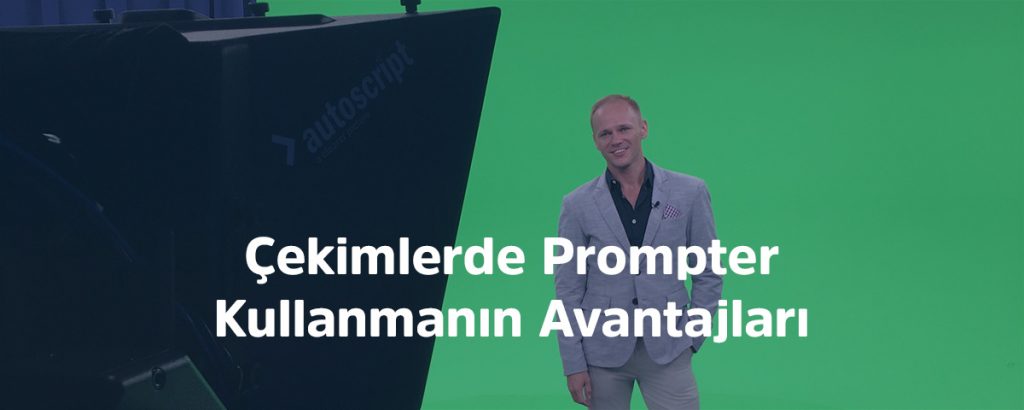
Using a Teleprompter
Beyond live broadcasts, using a teleprompter during video shoots is a method that greatly simplifies both the production stage and the post-production stage. That's why working with a teleprompter is especially effective for shoots where the script is already finalized.
What to Watch Out for When Using a Teleprompter
Before we get into how a teleprompter makes shoots easier, let's cover something far more important: what to watch out for. If a teleprompter isn't used correctly, it can ruin your entire shoot. Let's go through these point by point.
The Right Teleprompter Size
There are many types of on-camera teleprompters to suit different needs. Some work with a phone, while others use massive 17-inch monitors. What matters most here is the distance between the person on camera and the camera itself. No viewer enjoys watching someone whose eyes keep darting left and right. Of course, this can be adjusted somewhat by narrowing the text layout toward the center, but it's far more sensible to choose your teleprompter based on the distances below.
- Distance between camera and subject <1.5 meters = Phone teleprompter
- Distance between camera and subject 1.5 meters-3.5 meters = Tablet teleprompter
- Distance between camera and subject >3.5 meters = 17-inch studio teleprompter
Formatting the Text Correctly
We all work hard to make sure our footage conveys real emotion, putting effort into everything from lighting setup to color grading. But if the text on a teleprompter-assisted shoot reads out like flat, plain text, all that effort goes to waste. That's why it's crucial to break the text into segments with natural pauses, avoiding overly long sentences, so it displays in a way that supports natural delivery.
Adjusting the Reading Speed
Teleprompter software includes a speed setting, and it should be adjusted to match the reader's own pace. There are 2 ways to do this;
Speed Adjusted by the Operator
During the shoot, the teleprompter operator adjusts the scroll speed of the text to match the presenter's pace and is responsible for keeping the delivery smooth. While operator control is usually the preferred method, the operator may initially need to rehearse with the presenter to get a feel for their pace.
Speed Adjusted with a Remote Control
This method can be used when the presenter's hands or feet won't be in frame. Since the presenter sets their own pace instead of matching the operator, the delivery flows much more comfortably. However, this isn't suitable for every shoot.
The Benefits of Using a Teleprompter
We've covered what to watch out for when using a teleprompter — now let's take a look at its benefits.
Easier Post-Production
The most important part of a video with dialogue is making sure what's said comes across clearly. If the person on camera isn't using a teleprompter and can't deliver the text smoothly, it's a nightmare for the video editor. Every hesitation, every "umm" has to be cut out of the sequence, and this significantly increases the workload during post-production.
Delivering the Message Without Missing Anything
Having the person on camera improvise what they say is always a risk. Key points that need to be covered can be forgotten, and if no one is tracking what should be said, this often only becomes apparent once you're sitting at the editing desk — but by then it's too late.
A More Fluid, Polished Video
The single most important factor in a successful video is fluency. A presenter who can't speak smoothly is a serious problem, and a teleprompter is the most effective solution to eliminate it.
In this article, we covered the use cases, benefits, and key considerations of using a teleprompter. If you'd like to rent a teleprompter or you're looking for a video production agency that shoots with one, feel free to reach out through our contact page or by phone.
Frequently Asked Questions
How do you choose the right teleprompter size?
It's chosen based on the distance between the camera and the subject: a phone teleprompter for under 1.5 meters, a tablet teleprompter for 1.5-3.5 meters, and a 17-inch studio teleprompter for distances beyond 3.5 meters.
How is teleprompter speed adjusted?
It can be adjusted in two ways: the operator manually matching the speed to the speaker's pace, or the speaker controlling the speed themselves with a handheld remote.
What's the biggest advantage of using a teleprompter?
It reduces the workload in post-production — by preventing hesitations and retakes, it results in a fluid video that requires far fewer cuts at the editing desk.